
Home / Window visualizer
 Phone tool
See a 5.7 sq ft egress window in your basement
Point your phone at your basement wall and see a real egress window on it, at true size. It shows how big a code-size opening is and whether the sill sits low enough.
30 years of industry experienceMHIC #41139Permits handled

Open this on your phone
The visualizer uses your phone's camera to show the window on your actual wall. Scan the code with your phone's camera, or visit captainegress.com/egress-window-visualizer on your phone.
Point at the wall
Stand straight in front of the wall with the phone level. Tap "Hold this view" to freeze the picture while you line things up.
Drag it into place
Put one finger on the window and slide it where you'd want it.
Pinch to size it
Use two fingers, like zooming a photo, to make the window bigger or smaller until it looks true to size. For reference, a standard door is 80 in tall, and the window shown is about half that. On a computer, use the scroll wheel.
Pick a shape
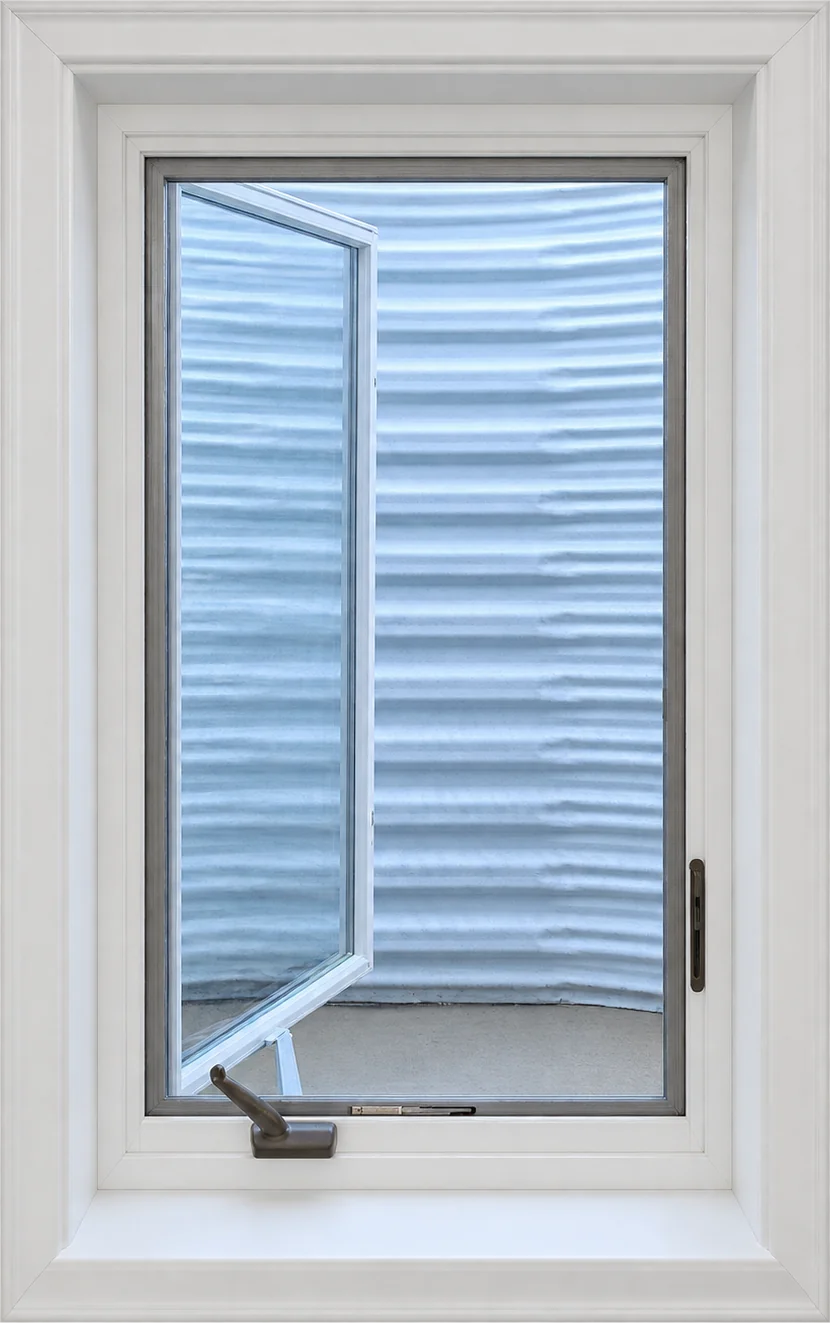
Every shape below gives the same 5.7 sq ft of clear opening, from tall and narrow to wide and short.

Take a screenshot and add it to your booking. It helps us plan your project before the on-site consultation.
How accurate is this?
It's a guide for picturing the window, not a measurement. Size it against something you know, like a door (80 in tall) or an outlet cover (4.5 in), and you'll get a good feel for it. The glass area shown is the 5.7 sq ft clear opening; the trim around it adds a few inches on every side.
Your camera view stays on your phone. Nothing is sent to us unless you add a photo to a booking. At your free on-site consultation we measure the wall exactly and confirm the code for your county. See the full egress window requirements.